How To Disable Invoice Emails For Specific Customers
Last updated: June 25, 2026
On a billing entity level, Lago allows you to control when automatic emails are sent. You can find this in the Settings > Billing Entity > Email Scenarios section. However, in some cases, you may want to send automatic emails for the Billing Entity as a whole, but disable them for specific customers.
Solution
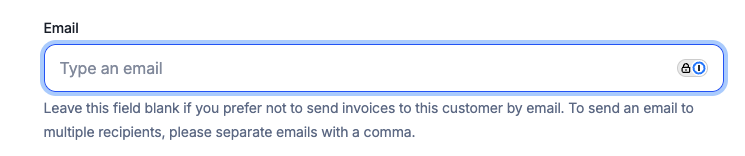
To do this, navigate to Customers in the UI, and edit the specific customer account you want to disable. Under the Billing information section, you will find the Email field. Simply leave this blank to prevent this customer from receiving invoice emails.
This article reflects guidance drawn from customer case resolutions. It is not officially supported documentation and may not apply to all situations.